
Most of us judge a video within a few seconds. Something either feels comfortable to watch or it does not, and we rarely stop to ask why. The reasons are surprisingly concrete. Behind that first impression sit a handful of craft decisions that leave clear fingerprints on the final file, and once you know what they look and sound like, you will start spotting them everywhere.
This guide is written for viewers rather than filmmakers. It skips the jargon and focuses on what you can notice from your own couch: the clarity of the sound, the behavior of the light, the stability of the frame, the placement of the cuts and the consistency of the color. None of these is a matter of taste. Each one can be observed, and each one tells you something about how much planning went into what you are watching.
Check one: close your eyes and listen
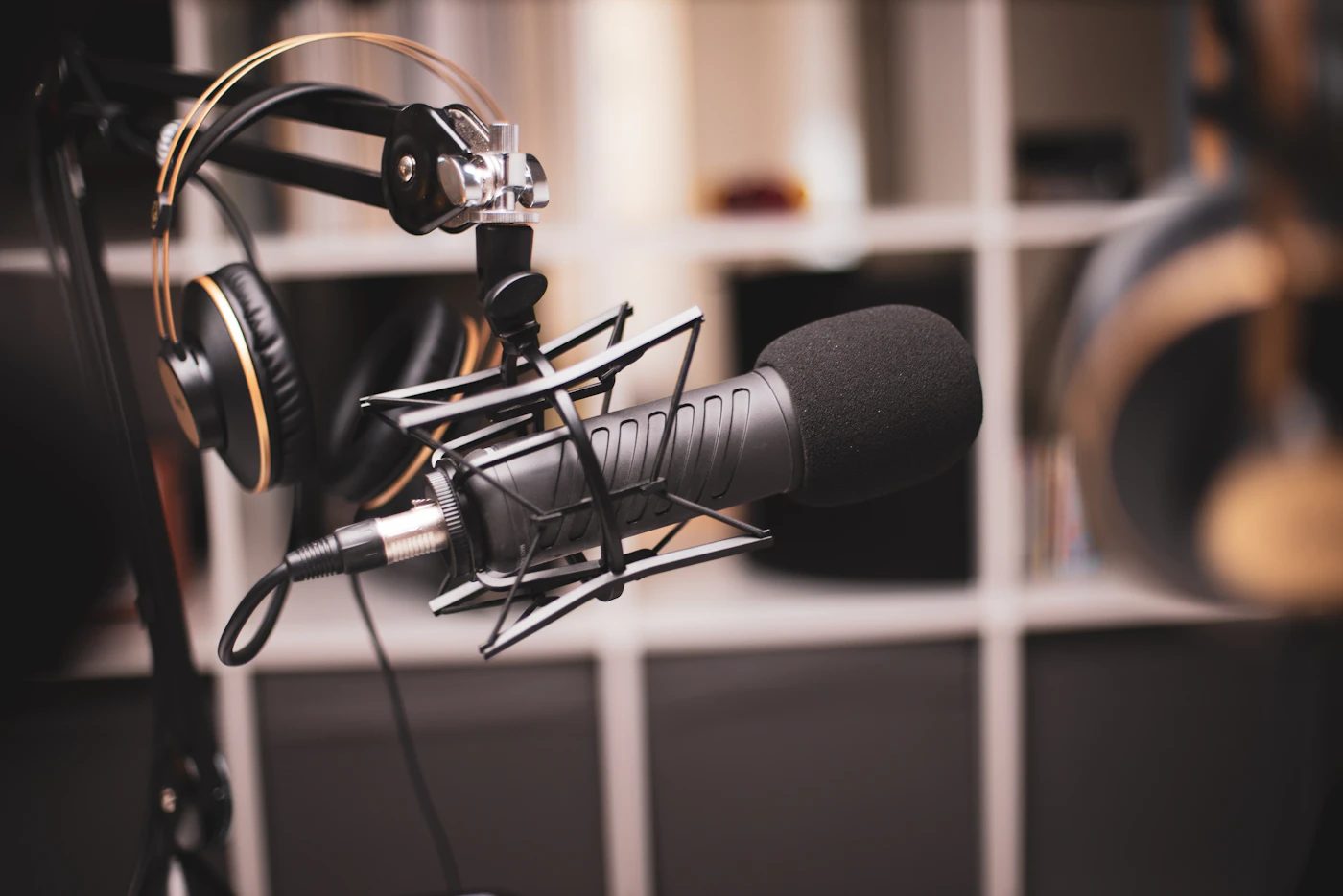
Sound is the fastest giveaway, which is why it comes first. Try listening for ten seconds without looking at the screen. In a carefully produced piece, voices sit in the middle of the mix at a steady level. You do not hear the room bouncing back, there is no constant hum underneath and nobody suddenly becomes much louder than everyone else.
Casual recordings usually reveal themselves here. A phone or laptop microphone captures everything around it, so you may hear a fridge, traffic, an echo off bare walls or a crackle when someone speaks up. Studios avoid this by treating the room with soft panels, pointing directional microphones at the person speaking and recording separate tracks that an engineer balances afterwards.
The practical test is simple: if you find yourself reaching for the volume control again and again, the audio was probably not mixed with care.
Check two: follow the light, not the subject
Our attention naturally goes to whoever is on screen, but the light around them says more about the production. Look at the shadows. Are faces and textures readable, or do darker areas collapse into flat black? Do bright windows or lamps burn out into blank white patches?
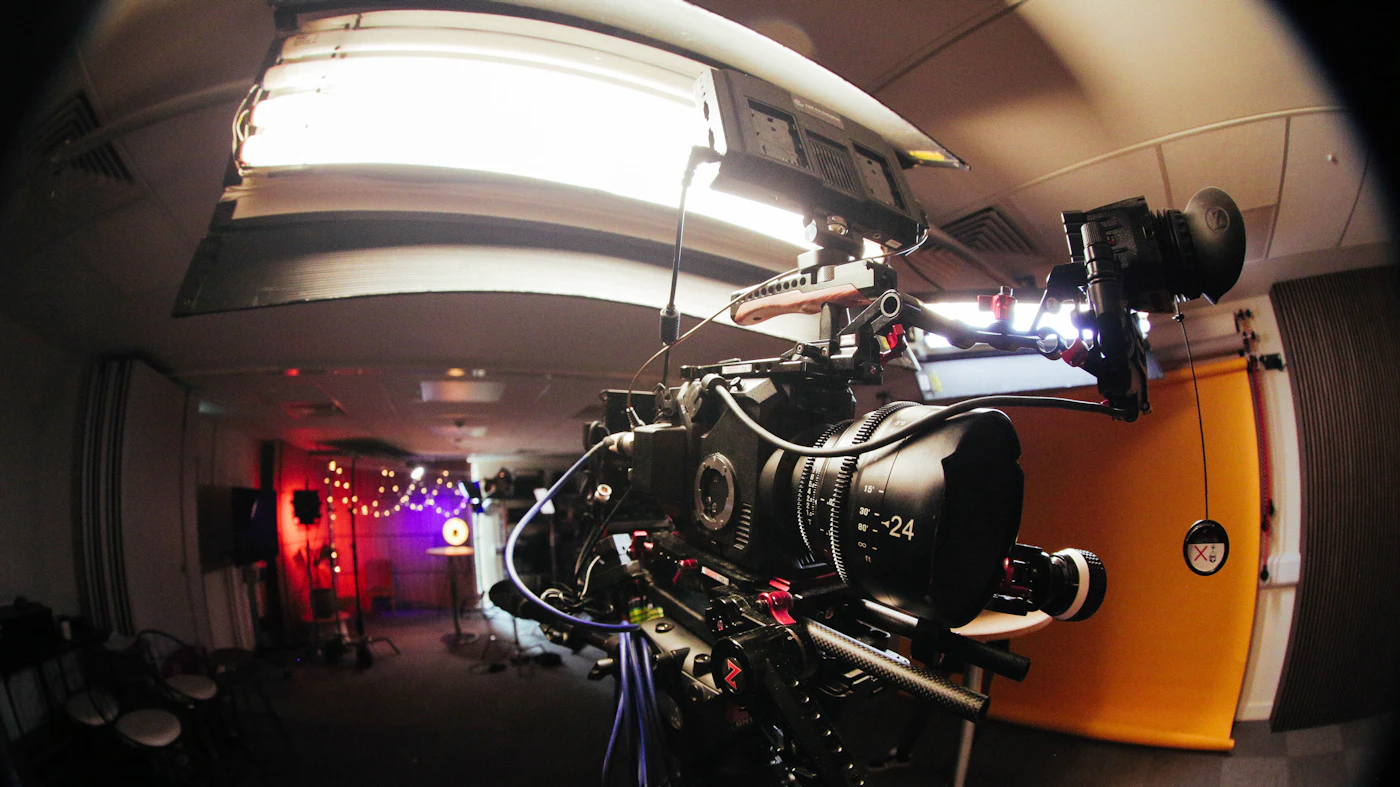
Small built-in sensors struggle when a scene mixes bright and dark areas, so casual footage often swings between too dark and too bright. Studio crews use cameras with a wider dynamic range and arrange several lights around the subject: a main source, a softer fill to open up the shadows and a light from behind that separates the person from the background.
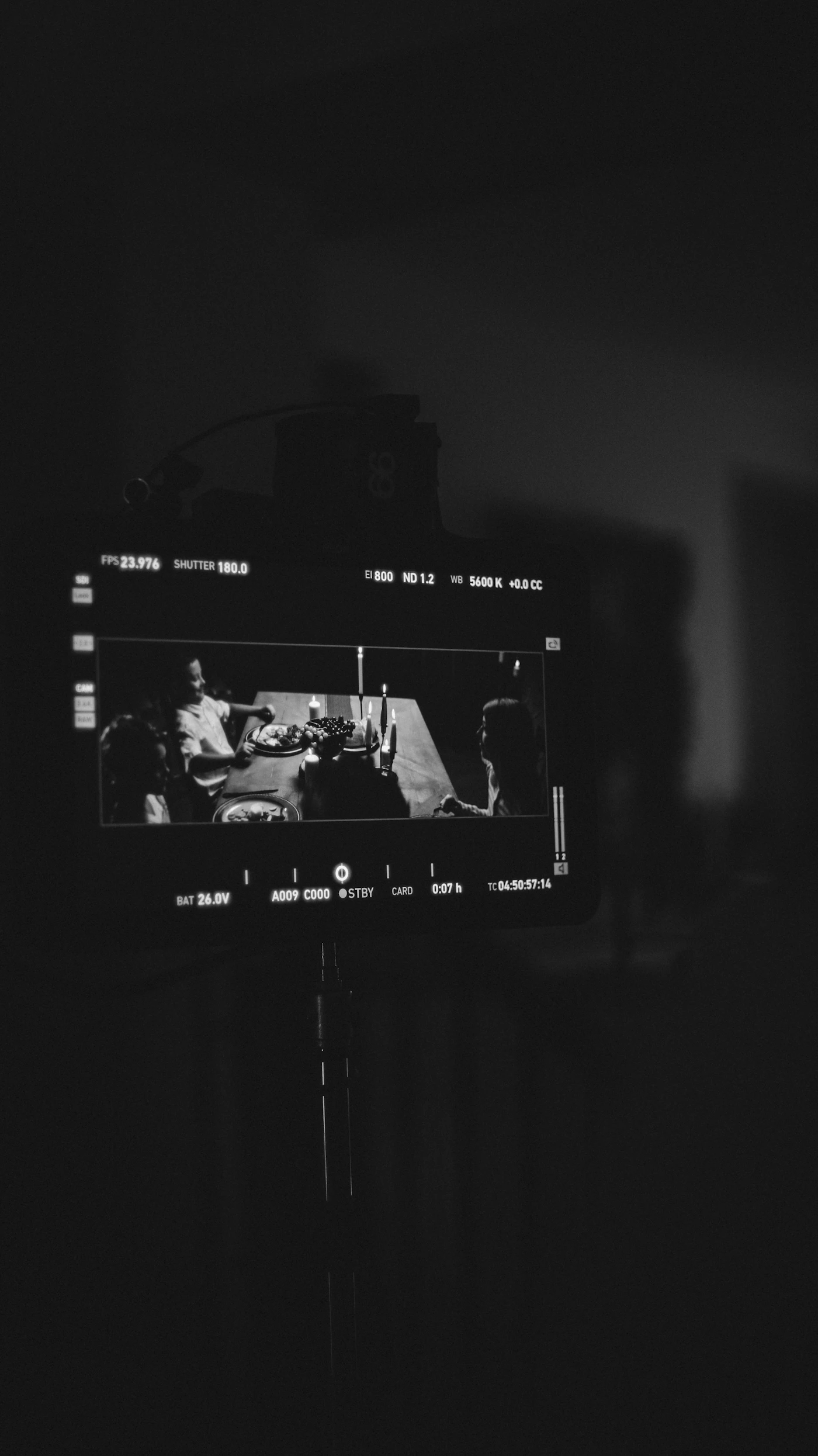
The real tell is consistency over time. Watch how the light behaves between shots in the same scene. When it holds steady, someone planned it. When skin tones get warmer, cooler, brighter or darker every time the camera changes position, nobody did.
What to listen and look for
Listen for
- Voices at one steady level
- No hum, hiss or room echo
- Music that never buries speech
Look for
- Detail in both shadows and highlights
- A horizon and frame that stay put
- Skin tones that match across angles
Notice the flow
- Cuts that land on movement or pauses
- Props and positions that stay consistent
- No sudden jumps mid-sentence
Check three: is the frame holding still?
A shaky frame is tiring in a way that is hard to name. Your eyes keep re-locating the subject, and after a while that small effort adds up. Notice whether the edges of the picture stay where they are, whether the horizon stays level and whether the subject sits in roughly the same place unless there is a reason to move.
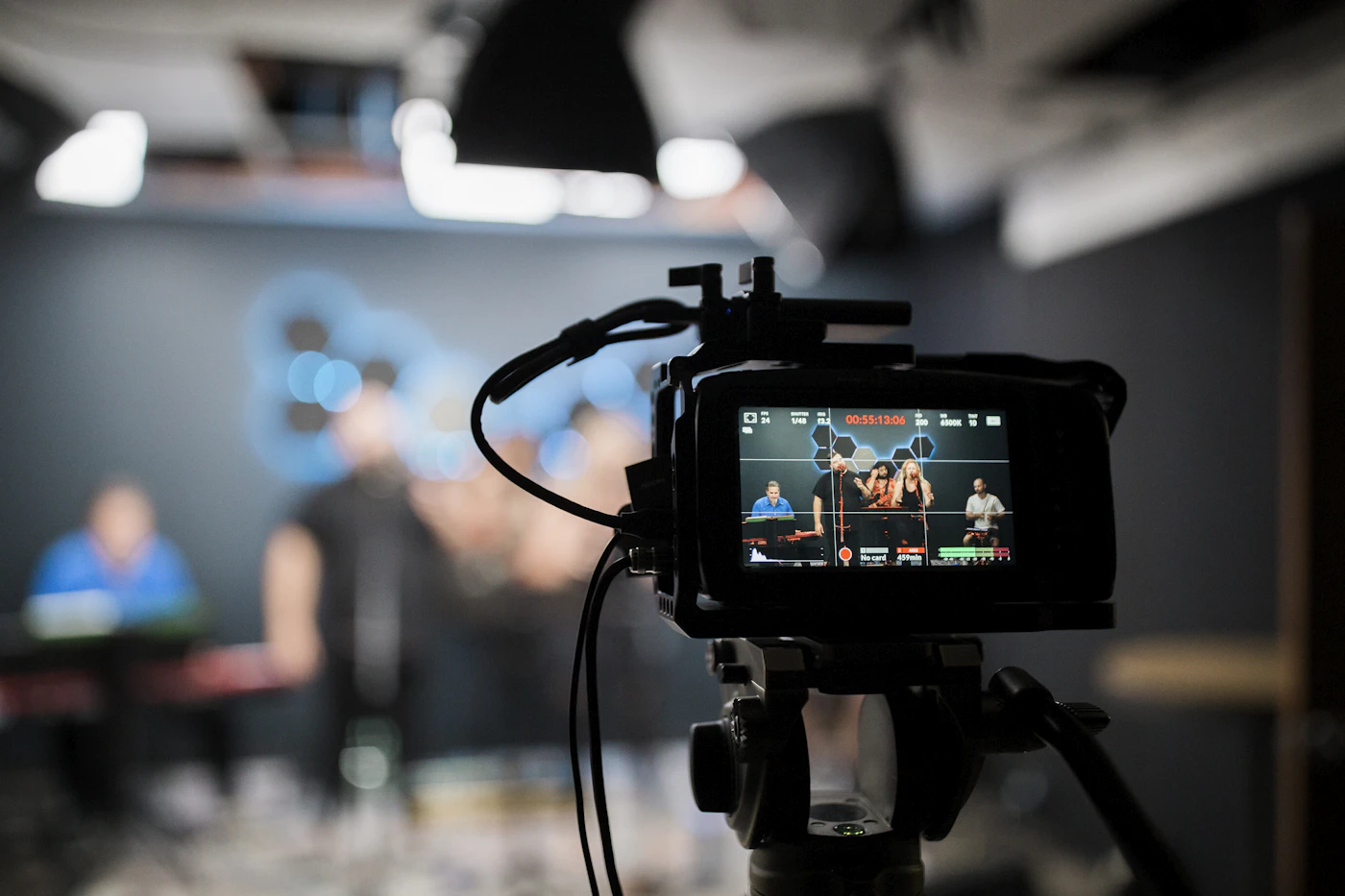
Handheld recordings drift, tilt and re-frame themselves mid-sentence. Studio productions put cameras on tripods, sliders and stabilized rigs, and every movement is rehearsed. When the camera does move, it moves for a reason, such as following action or revealing something new, and it moves smoothly.
Check four: where do the cuts land?
Editing is the craft people notice least when it is done well. Pay attention to the moment a shot changes. In a planned production, cuts tend to fall on a natural pause or in the middle of a movement, so the change feels almost invisible. Eyelines match from one angle to the next, and objects stay where they were.
That smoothness depends on planning before filming begins. A director decides which angles are needed and the crew records the same moment from more than one position. The editor then has real choices. Casual uploads usually have a single angle, so edits happen wherever recording happened to stop, producing jumps, repeated words or abrupt changes in framing.
Check five: does the color stay the same?
Color is the most subtle of the five checks, and the one that separates good work from finished work. Watch a scene that cuts between two or three angles. Does a white wall stay the same white? Does a blue shirt keep the same shade? Do faces keep their natural tone?
Different cameras, lenses and times of day all shift color slightly. In professional finishing, a colorist adjusts contrast, white balance and saturation shot by shot until the whole scene matches. The same pass usually smooths out any uneven movement and prepares the file for both large and small screens. When this step is skipped, scenes flicker between warmer and cooler looks, and the result feels less like one continuous place and time.
Two ways a video reaches you
Open upload platforms
Usually ad-supported and open to almost anyone. Files arrive from many sources, so the five checks above can pass on one title and fail on the next. Pages may also show previews, redirects or pop-up ads around the player, and finding well-made work takes searching.
Curated libraries
Titles are checked against technical criteria before they are listed, so the collection follows one standard. The sorting you would otherwise do yourself, title by title, has largely been done before you press play.
Why curated libraries write these checks into their standards
Once you can spot the five signs yourself, the logic of a curated library becomes clear. It applies the same checks you have just learned, only earlier and at scale. Instead of each viewer testing sound, light, framing, cuts and color for every title, the library reviews them before anything is added to the catalog.
That approach does not suit everyone. Open platforms offer breadth and free access, and for quick, informal clips they work perfectly well. A curated library trades some of that breadth for predictability. If the qualities in this guide matter to you, a reviewed collection means less skipping, fewer volume adjustments and fewer files abandoned halfway through.
Where a curated membership fits
One way to reach studio-produced media held to a single standard is a curated membership modeled on mainstream streaming services. A paid plan opens a sizeable catalog of curated media titles with high-definition playback, formatted for desktop computers, mobile screens and VR headsets.
According to the provider, the interface is designed around viewer choice and privacy, with a simplified layout that keeps attention on playback. Registration offers several account setup options, and billing details are shown at checkout so you can read them in full before any purchase.
If the checks in this guide describe the way you like to watch, the membership is worth looking at on its own terms.